Apple Intelligence Brings Natural Language Automation to macOS Shortcuts
Apple's macOS 27 Golden Gate, powered by Apple Intelligence, introduces 'Describe a Shortcut,' allowing users to create automation scripts using plain English, democratizing complex workflows.
✨ This content was summarized and interpreted by AI; it may contain errors — please verify accuracy with the original sources. Learn more
Listen to this story
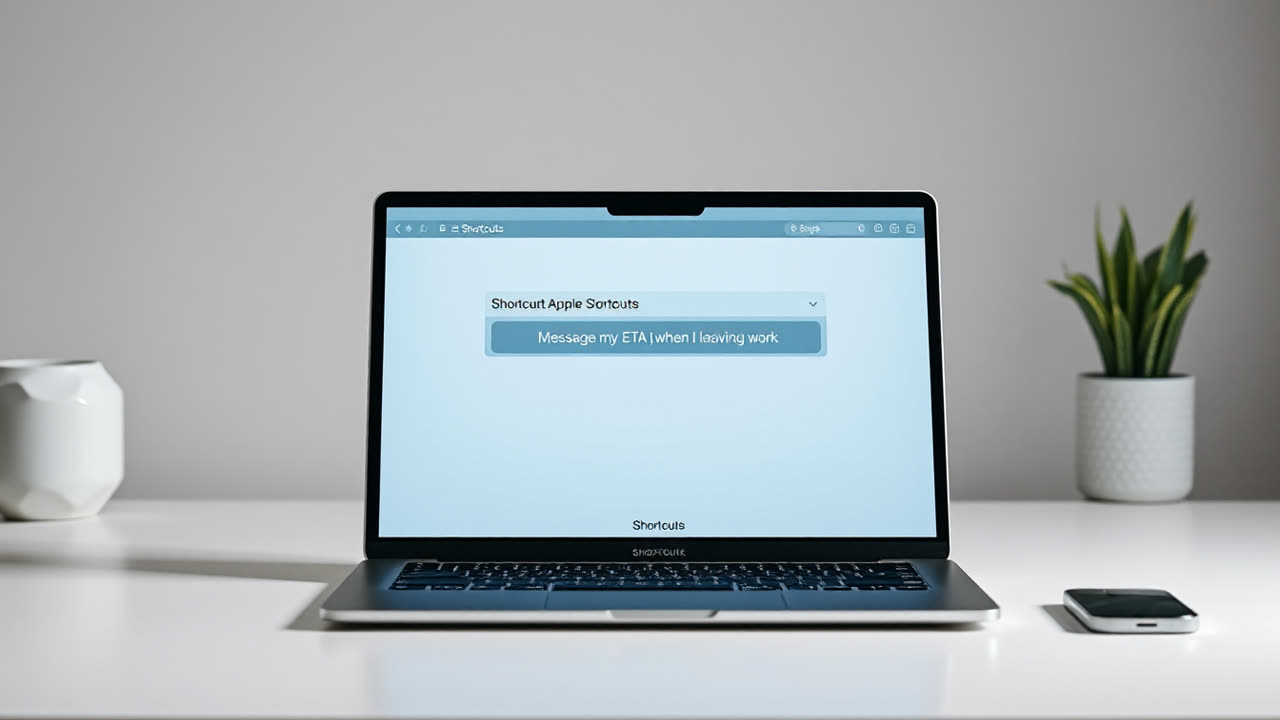
The ability to generate automation scripts using natural language on a MacBook, introduced with macOS 27 Golden Gate and powered by Apple Intelligence, marks a significant shift in how users interact with their devices and automate tasks. This advancement allows users to simply describe a desired workflow in plain English, such as "Message my ETA to my partner when I'm leaving work," and the system automatically assembles the necessary steps, bypassing the traditional requirement for manual, step-by-step construction of complex workflows. This feature, dubbed "Describe a Shortcut," transforms Shortcuts from a powerful but often intimidating visual scripting tool into an accessible AI companion for automation.
This evolution profoundly impacts user experience by democratizing automation. Previously, creating intricate Shortcuts demanded a certain level of technical acumen, understanding variables, loops, and parameter passing, which often deterred average users. Now, with natural language input, the barrier to entry is dramatically lowered, enabling a broader user base to harness the power of automation for daily tasks. Examples include generating a daily briefing from calendar events and reminders, summarizing text from the clipboard with a hotkey, or creating voice-driven automations via Siri to manage emails and photos. This ease of use translates directly into increased personal productivity, as users can offload repetitive or multi-step processes to their Mac without needing to become "power users". Studies suggest that generative AI tools can improve user performance by an average of 66% for business tasks, with less-skilled workers benefiting most significantly.
For the industry, this natural language capability represents a strategic pivot for Apple, integrating its proprietary Apple Intelligence directly into the core of macOS automation. By exposing app functionalities through the App Intents framework, developers can ensure their applications contribute "building blocks" that Apple Intelligence can then weave into user-requested shortcuts. This fosters a more cohesive and intelligent ecosystem, where apps are not isolated silos but interconnected components of a larger, adaptable automation layer. This also pushes the envelope for competing platforms and third-party automation tools, compelling them to integrate similar, more intuitive AI-driven scripting methods to remain competitive. While alternatives like IFTTT, Zapier, Keyboard Maestro, and Raycast offer robust automation, Apple's native integration with its OS and on-device processing for simpler tasks provides a distinct advantage in terms of privacy and responsiveness.
The Shortcuts app itself has a rich history, evolving from the third-party app "Workflow," which Apple acquired in March 2017. It was first released as Siri Shortcuts with iOS 12 in September 2018, becoming a default iOS app by September 2019. Its arrival on Mac with macOS Monterey in 2021 marked the beginning of Automator's eventual deprecation, with Apple actively encouraging users to migrate existing workflows. While Automator offered scripting capabilities, Shortcuts, particularly with its latest AI enhancements, provides a more versatile and user-friendly visual interface, now augmented by conversational input. The "Describe a Shortcut" feature, launched with macOS 27 Golden Gate, is a direct result of Apple Intelligence integration, allowing for the automatic assembly of shortcut steps from simple descriptions. This contrasts sharply with the often-manual, drag-and-drop process that previously characterized Shortcuts creation, which, while powerful, could be "punishing" to master.
Despite its transformative potential, the natural language scripting in Shortcuts is not without limitations. Early beta testing indicates that Apple Intelligence may sometimes struggle to differentiate between capabilities that are genuinely possible within Shortcuts and those that are not, occasionally attempting to generate non-functional solutions. This can lead to a frustrating "looping" behavior where the AI repeatedly tries to build a shortcut that cannot be accomplished. Furthermore, the deepest integration and on-device processing for Apple Intelligence features are primarily available on newer Apple Silicon devices, meaning users with older hardware might not experience the full breadth of these advancements. Developers also face the challenge of consistently adopting App Intents to fully expose their app's functionalities to Apple Intelligence, balancing this with their desire to keep users within their own applications.
Looking ahead, the trajectory for Shortcuts and automation on macOS points towards deeper integration with AI and a more seamless, context-aware user experience. The current natural language capabilities are likely just the beginning, with future iterations potentially offering more sophisticated "agentic AI" that can not only build shortcuts but also proactively suggest and execute automations based on user behavior and context. The evolution of Siri, now rebuilt with AI at its core and more conversational, will undoubtedly converge further with Shortcuts, allowing for increasingly complex voice-driven automations. We can anticipate improvements in the AI's ability to understand nuance, handle exceptions, and suggest alternative solutions when a direct request is unfeasible, mitigating the current limitations. The "Use Model" action within Shortcuts already allows for direct interaction with Apple Intelligence or external LLMs like ChatGPT, hinting at a future where users can fine-tune the intelligence behind their automations. Ultimately, Apple is positioning AI not just as a feature, but as a fundamental layer that makes the entire operating system more intuitive and personally assistive, moving beyond simple task automation to true process autonomy across the Apple ecosystem.
FACTS: How to get started with Shortcuts on your MacBook — Your Mac's Shortcuts app is a powerful way to automate tedious tasks, and you can now set up scripts using natural language. (kaynak: Engadget, https://www.engadget.com/2269315/how-to-use-macbook-shortcuts/)