Apple's Time Machine: The Enduring Case for Local Backups Over Cloud Subscriptions
Apple's Time Machine remains a powerful, cost-effective local backup solution, challenging the dominance of subscription-based cloud storage by offering users control, privacy, and speed.
✨ This content was summarized and interpreted by AI; it may contain errors — please verify accuracy with the original sources. Learn more
Listen to this story
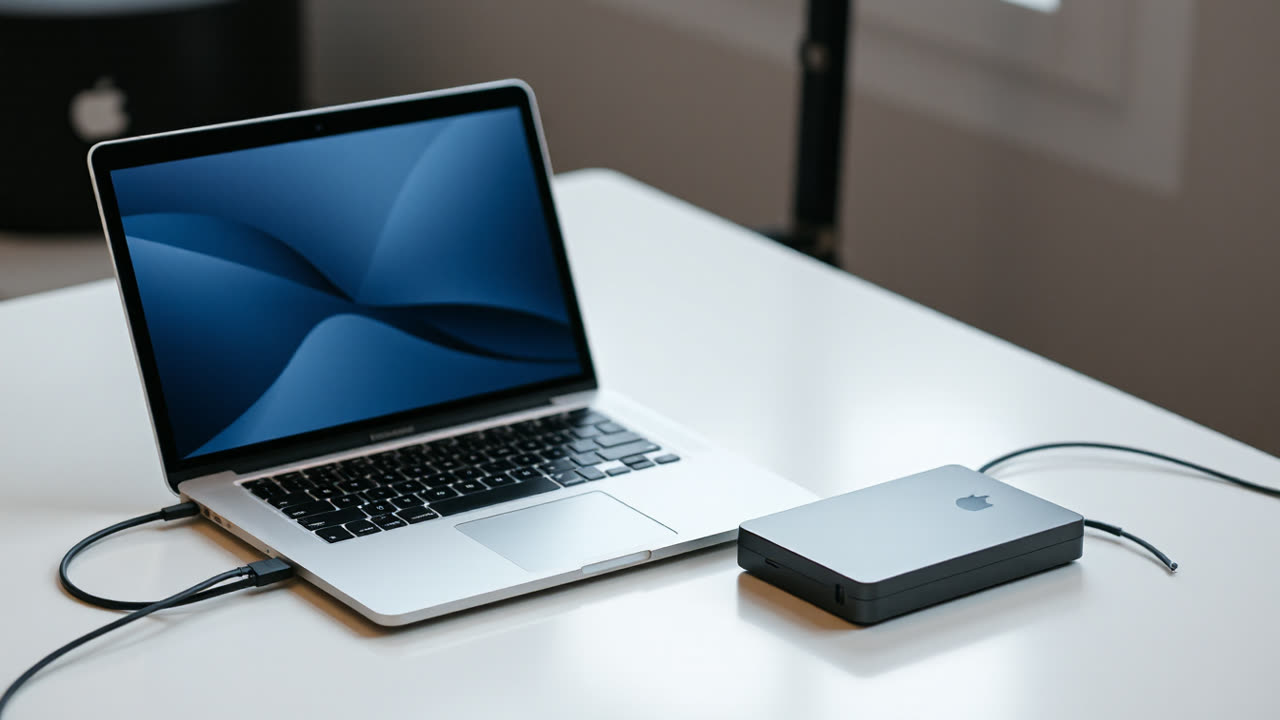
Apple's venerable Time Machine, integrated seamlessly into macOS, continues to offer a compelling, cost-effective alternative to subscription-based cloud storage for users prioritizing local data control and eschewing remote access. This built-in utility, available on every MacBook and Mac desktop, leverages an external drive to create incremental backups, a stark contrast to the recurring fees associated with services like iCloud, Google Drive, or Dropbox, which often become substantial over years of use. While cloud storage has undeniable benefits for ubiquitous access and disaster recovery off-site, Time Machine's enduring presence and continuous refinement by Apple underscore a fundamental truth: for many, a robust local backup remains the bedrock of data security and personal autonomy.
The immediate appeal of Time Machine lies in its zero-cost implementation beyond the initial purchase of an external hard drive. For instance, a 2TB external HDD can be acquired for approximately $60-$80, a one-time expense that pales in comparison to the cumulative cost of a 2TB iCloud+ plan, which runs $9.99 per month, totaling nearly $120 annually and over $600 over five years. This financial argument resonates strongly with users wary of the "subscription fatigue" pervasive in the tech landscape. Time Machine automatically saves hourly backups for the past 24 hours, daily backups for the past month, and weekly backups for all previous months, deleting the oldest backups when the disk is full to make space for new ones. This sophisticated versioning allows users to restore individual files, folders, or even an entire system to a specific point in time, providing a granular level of recovery that rivals many premium backup solutions.
Beyond cost, Time Machine offers significant advantages in terms of privacy and speed. Data backed up locally remains entirely under the user's control, residing on a physical drive in their possession, mitigating concerns about third-party access or potential data breaches that plague cloud services. While major cloud providers employ robust encryption and security measures, the inherent risk of storing sensitive information on remote servers, subject to various jurisdictions and corporate policies, persists for some. Furthermore, restoring large files or an entire system from a Time Machine backup is dramatically faster than downloading gigabytes or terabytes over an internet connection, a crucial factor in scenarios requiring rapid data recovery. A full system restore from a local drive can take minutes to a few hours, depending on data volume, whereas the same operation from the cloud is bottlenecked by internet bandwidth, potentially stretching into many hours or even days for substantial datasets.
The industry impact of Time Machine's continued efficacy is multifaceted. It indirectly caps the perceived value of entry-level cloud storage tiers for Apple users, forcing cloud providers to differentiate more aggressively on features like real-time collaboration, cross-device syncing, and advanced sharing options rather than just raw storage capacity. Apple's commitment to Time Machine also reinforces its ecosystem strategy, providing a complete, integrated solution for its hardware users, reducing the need to venture outside the Apple sphere for fundamental data management tasks. This approach contrasts with rivals like Microsoft, whose Windows Backup offers more basic functionality, often pushing users towards OneDrive or third-party solutions for comprehensive local backups. While Google Drive and Dropbox excel in multi-platform accessibility and real-time collaboration, they don't offer a deeply integrated, set-and-forget local backup solution akin to Time Machine for their respective operating systems.
Looking ahead, the tension between local and cloud backups will likely persist, driven by evolving user needs and technological advancements. We may see hybrid backup solutions become more prevalent, where Time Machine could potentially integrate more seamlessly with iCloud for off-site archiving of critical data, offering a "best of both worlds" approach without forcing users into exclusive cloud reliance. Apple could enhance Time Machine with features like encrypted backups to network-attached storage (NAS) devices with improved setup wizards, broadening its appeal to small businesses and prosumers. The increasing prevalence of high-speed local networking standards like Wi-Fi 7 and Thunderbolt 5 could further solidify the performance advantage of local backups. However, as internet speeds continue to increase globally and users become more accustomed to accessing files from anywhere on any device, the convenience of cloud storage will remain a powerful draw. Time Machine will continue to serve as a vital counter-narrative, a testament to the enduring value of tangible control over one's digital life, proving that for many, the most secure and efficient backup remains the one you can physically touch.