Firefox Reintroduces Compact Mode and Enhanced Themes in Major UI Update
Mozilla's latest Firefox update responds to user feedback by bringing back the popular compact mode and expanding personalization options, signaling a strategic pivot towards user-centric design.
✨ This content was summarized and interpreted by AI; it may contain errors — please verify accuracy with the original sources. Learn more
Listen to this story
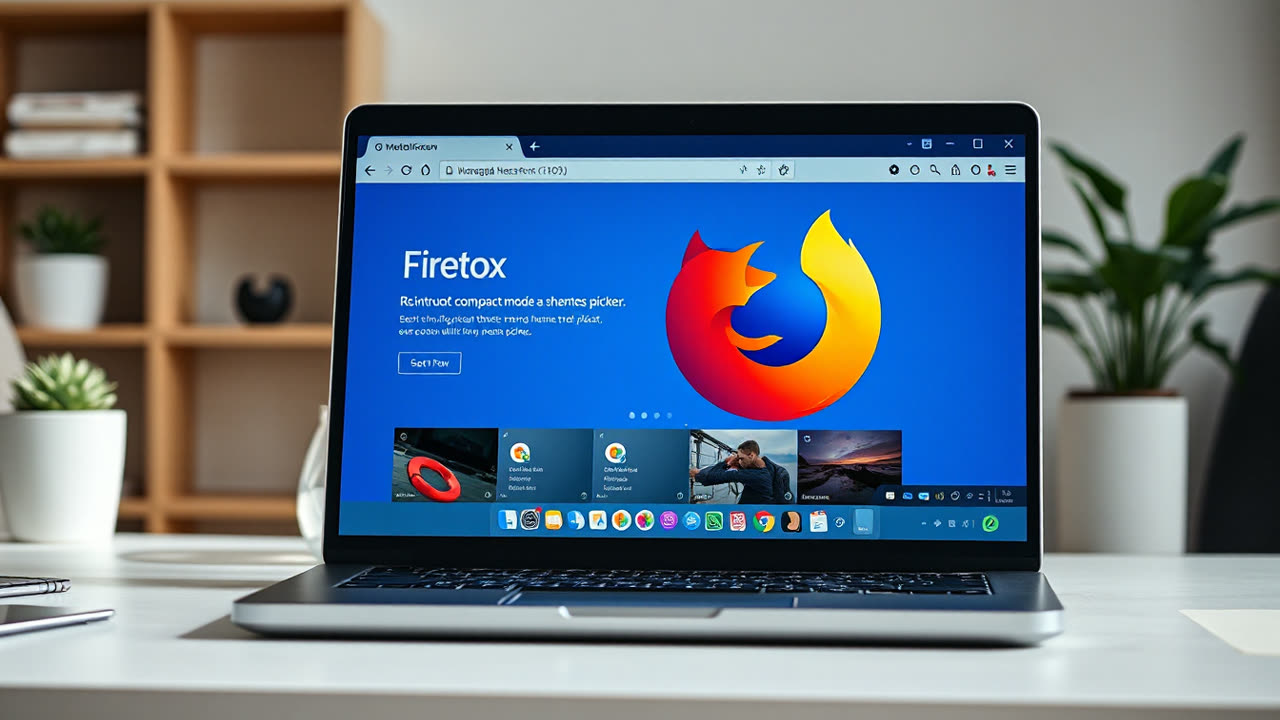
Mozilla's latest deployment of a refined Firefox interface across desktop and mobile platforms underscores a strategic pivot towards user-centric design principles, reintroducing the highly requested compact mode and enhancing personalization with an expanded theme picker. This update, while building on the foundational "Proton" redesign introduced in mid-2021, represents Mozilla's continued effort to balance a modern aesthetic with the functional demands of its user base, aiming to reclaim relevance in a browser market dominated by Chromium-based rivals.
The core of this deployment focuses on a more adaptable user experience. The return of "compact mode," previously deprecated in earlier redesigns, addresses a significant portion of power users and those on smaller screens who prioritize information density over visual spaciousness. This feature allows users to shrink the height of the browser's toolbar, tabs, and address bar, maximizing screen real estate for web content. Complementing this is the enhanced theme picker, which provides greater flexibility for users to customize their browser's appearance beyond the default light and dark modes. This includes more granular control over color schemes and integration with a broader ecosystem of community-contributed themes, catering to aesthetic preferences and accessibility needs alike. Other subtle refinements include improved tab management, a streamlined settings panel, and more intuitive menu navigation, all designed to reduce visual clutter and improve overall usability.
This strategic update matters profoundly for several reasons. For users, it signifies a direct response to feedback, particularly regarding the initial Proton redesign which, while visually modern, drew criticism for increased padding and reduced information density. The reintroduction of compact mode is a clear acknowledgment that a one-size-fits-all approach to UI design can alienate segments of a loyal user base. By offering more control over visual density, Firefox empowers users to tailor their browsing environment, fostering a sense of ownership and potentially increasing user satisfaction and retention. This move also highlights Mozilla's commitment to its community, a crucial differentiator against competitors often perceived as more monolithic in their design philosophy.
From an industry perspective, this deployment is a calculated move in the ongoing browser wars. Firefox, while respected for its privacy-first stance and open-source ethos, has seen its global desktop market share hover around 3-7% in recent years, significantly trailing Google Chrome, Microsoft Edge, and Apple Safari. By focusing on customization and user control, Mozilla attempts to carve out a niche for discerning users who value flexibility and privacy over pure market dominance. This refined UI could attract users disillusioned with the increasingly standardized interfaces of Chromium browsers, which often prioritize simplicity over advanced customization. The emphasis on user choice also subtly challenges the prevailing trend of web applications dictating user experience, positioning Firefox as a tool that puts the user in command.
Historically, Firefox has undergone numerous UI overhauls, from the "Australis" design to "Photon" and then "Proton." Each iteration sought to modernize the browser's appearance while maintaining its identity. The initial Proton redesign in Firefox 89 (June 2021) introduced a floating tab bar, simplified menus, and a cleaner aesthetic. However, it also removed compact mode, leading to significant user outcry. This latest deployment can be seen as a maturation of the Proton vision, integrating user feedback to refine, rather than simply replace, previous iterations. Compared to rivals, Firefox now offers a more robust set of personalization options, particularly for desktop users, beyond what is typically available in Chrome or Edge without extensions. While Safari offers a clean, integrated experience for Apple users, its customization options are generally more limited.
Looking ahead, Mozilla's direction suggests a continued focus on user empowerment and privacy, leveraging these as core differentiators. The browser market is increasingly competitive, with AI integration and enhanced security features becoming standard expectations. Firefox's next steps will likely involve deeper integration of AI-powered tools that respect user privacy, such as on-device summarization or intelligent content filtering, rather than cloud-based solutions that might compromise data. Further refinements to the UI are probable, potentially introducing more dynamic themes that adapt to content or ambient light, or even more advanced layout customization options that go beyond compact mode to offer fully modular interfaces. The long-term success of Firefox hinges on its ability to innovate in these areas while maintaining its commitment to an open web and user control, proving that a browser can be both powerful and personalized without sacrificing privacy. This iterative approach to design, directly responding to user sentiment, positions Firefox not as a market leader in raw numbers, but as a compelling alternative for those seeking a more thoughtful and adaptable browsing experience.