New Hardware Installations on Windows Now Push Adware via Microsoft Store
PC users connecting new hardware are now being immediately confronted with adware, thanks to a concerning new practice where automatic Windows installers leverage the Microsoft Store to push unwanted applications.
✨ This content was summarized and interpreted by AI; it may contain errors — please verify accuracy with the original sources. Learn more
Listen to this story
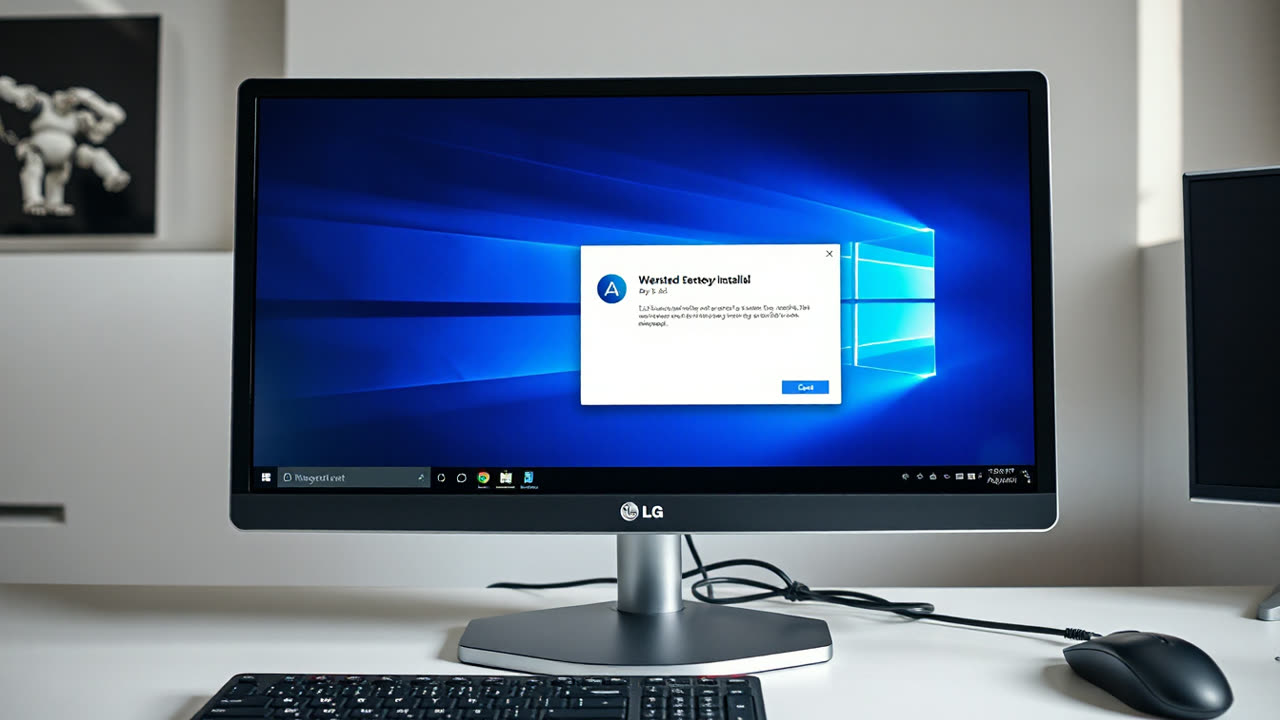
PC users connecting new hardware are now being immediately confronted with adware, thanks to a concerning new practice where automatic Windows installers leverage the Microsoft Store to push unwanted applications. The most recent example involves new LG monitors, which, upon connection, automatically install an "LG Monitor App Installer" that proceeds to display intrusive McAfee advertisements.
This isn't merely a driver installation; the LG Monitor App Installer, explicitly listed in the Microsoft Store with McAfee as an "Additional App," adds itself to a PC's startup processes, generating persistent pop-ups promoting the antivirus software. This behavior, reported by users on platforms like Reddit, is occurring even when McAfee was never previously installed on the system, blurring the line between essential hardware utilities and aggressive, unsolicited advertising.
This development signifies a worrying expansion of bloatware, traditionally confined to pre-built PCs, into the realm of peripherals. It represents a significant erosion of user control, forcing individuals to contend with "potentially unwanted programs" (PUPs) on devices they have already purchased. The integration of such adware through the Microsoft Store ecosystem raises questions about platform governance and the user experience in an increasingly "adware OS" environment.
Fortunately, users can take steps to block these unwanted ads. The most direct method is to navigate to "Installed Apps" in Windows 11 settings, locate the "LG Monitor App Installer," and uninstall it. Additionally, disabling "automatic app suggestions" or "automatic app installation" within the Microsoft Store settings can help prevent similar intrusions in the future. For those comfortable with advanced settings, the Group Policy Editor offers options such as preventing the automatic download of applications associated with metadata, though completely disabling the Microsoft Store is a more drastic measure.