Reclaiming Old MacBooks: DIY Home NAS Servers Challenge Cloud Dominance
Repurposing an aging MacBook into a home Network Attached Storage (NAS) server offers a cost-effective path to data sovereignty, directly countering expensive cloud subscriptions and dedicated hardware.
✨ This content was summarized and interpreted by AI; it may contain errors — please verify accuracy with the original sources. Learn more
Listen to this story
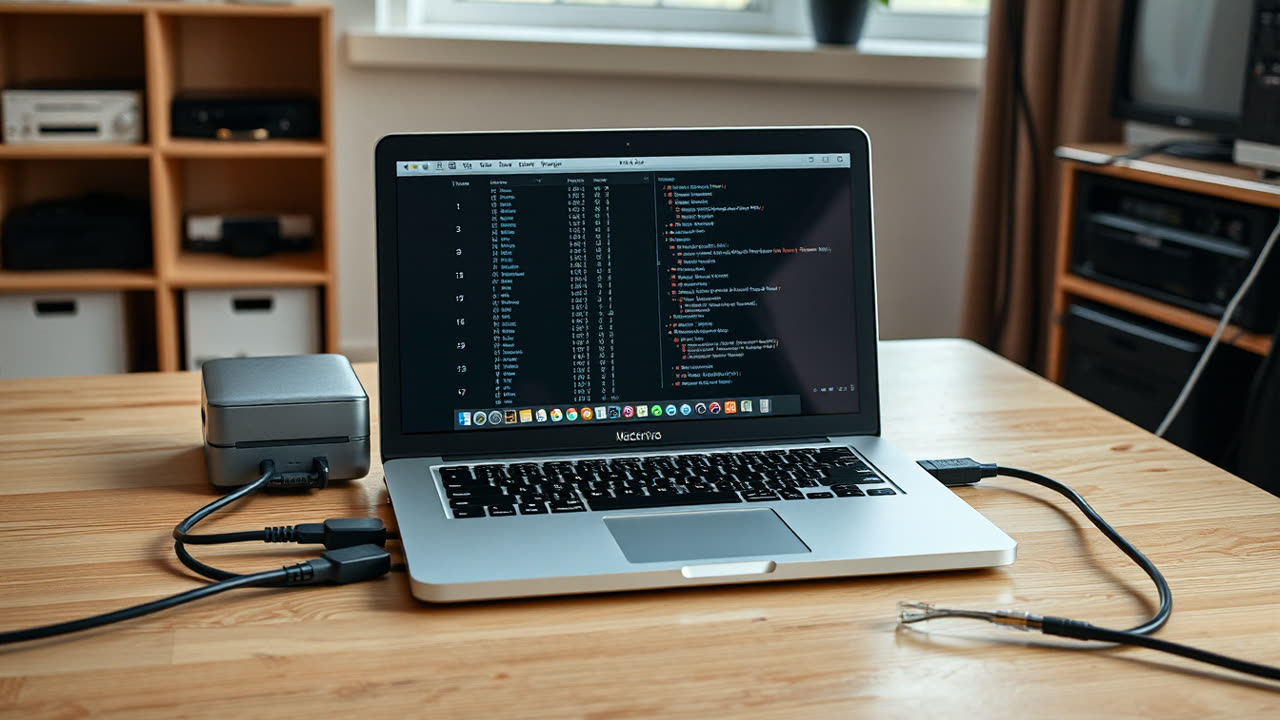
Reclaiming an aging MacBook from digital obsolescence by transforming it into a home Network Attached Storage (NAS) server offers a compelling blend of cost-efficiency and data sovereignty, directly challenging the prevailing narrative of cloud subscriptions and dedicated hardware. This repurposing leverages existing, often underutilized, computing power to create a centralized repository for files, media, and backups, providing users with direct control over their digital assets.
The core process of converting an old MacBook into a NAS is surprisingly accessible, ranging from straightforward macOS built-in features to more advanced Linux-based solutions. The simplest path involves utilizing macOS's native File Sharing capabilities, found within System Settings under Sharing. This allows users to designate specific folders or even external hard drives for network access, supporting both Apple Filing Protocol (AFP) for older Macs and, more crucially, Server Message Block (SMB) for seamless compatibility with Windows and Android devices. To ensure continuous operation, essential steps include disabling sleep modes via `pmset` commands in Terminal and, for Intel Macs, employing a headless HDMI plug to trick the system into believing a display is connected, thus keeping the GPU active and preventing unintended sleep. For Apple Silicon Macs, a critical step is to configure "Allow accessories to connect" in Privacy & Security settings to ensure USB or Thunderbolt peripherals, such as Ethernet adapters, function correctly without requiring GUI interaction after a reboot. While this method is user-friendly, relying solely on internal drives for a NAS is generally ill-advised due to the inherent risk of disk failure in older hardware; external storage should be integrated to safeguard valuable data.
For those seeking greater control and advanced features, migrating to a Linux distribution like Debian and subsequently installing open-source NAS software such as OpenMediaVault, CasaOS, or Umbrel presents a more robust solution. OpenMediaVault, for instance, requires a 64-bit Intel or AMD processor, at least 8GB of RAM, and a dedicated 16GB drive for its operating system, with separate drives for storage. TrueNAS Scale can also be installed on Intel Macs, although challenges like mirroring internal drives often necessitate large USB disks for boot pools, and its support for Thunderbolt/PCIe tunneling can be limited. These Linux-based systems offer web-based management interfaces, Docker container support, and advanced file system options like ZFS, transforming the MacBook into a versatile homelab server capable of running various self-hosted applications like Plex for media streaming or Nextcloud for personal cloud storage.
This DIY approach matters significantly for users increasingly wary of escalating cloud storage costs and concerns over data privacy. In an era where public cloud services are described as a "legacy financial trap" becoming "structurally irrational past 24 months," owning a local NAS provides a one-time investment solution, granting complete ownership and control over personal data. This shift empowers individuals to create private media libraries, robust backup solutions, and collaborative file-sharing platforms without recurring subscription fees or reliance on third-party infrastructure.
Comparing a MacBook-turned-NAS to dedicated commercial NAS devices, such as the Synology DS224+ or QNAP TS-264, reveals distinct trade-offs. Purpose-built NAS units excel in energy efficiency, with models like the Synology DS224+ consuming a mere 14.69 watts during active access and 4.41 watts in HDD hibernation. The QNAP TS-264, featuring an Intel Celeron N5095 processor, typically draws around 29.086 watts in operating mode. In contrast, an older desktop PC repurposed as a NAS might idle at 40-60 watts, potentially adding an extra £30-£60 to annual electricity bills compared to a 20W dedicated unit. Dedicated NAS devices also offer hot-swappable drive bays, integrated RAID configurations (like RAID 1 or RAID 5) for data redundancy, and user-friendly operating systems like Synology's DiskStation Manager (DSM) with extensive app ecosystems. Their compact form factors and quiet operation are also significant advantages for home environments. However, these benefits come at an upfront cost; a Synology DS224+ can be priced around €329 without drives, and a QNAP TS-264 around $439 for the 8GB RAM model, also diskless. The DIY MacBook NAS, by contrast, incurs zero platform cost if the hardware is already owned, making it a budget-friendly alternative for those willing to invest time in setup and maintenance.
The industry outlook suggests a growing demand for NAS solutions, with the market projected to expand from USD 46.32 billion in 2026 to USD 101.24 billion by 2031. While pre-built NAS devices will continue to innovate with increased storage capacities, AI/Machine Learning integration for data analytics, enhanced security features, and deeper cloud synchronization, the DIY segment will persist as a vital niche. The "cost-saving" argument for DIY solutions is becoming less pronounced due to high storage prices and the hidden costs of electricity and ongoing maintenance. However, the intrinsic value of privacy, ownership, and the unparalleled flexibility to customize a "homelab" with Docker containers, virtual machines, and specialized applications will continue to draw technically inclined users. The decision between a repurposed MacBook and a commercial NAS will increasingly hinge on a user's technical proficiency, specific storage requirements (e.g., number of drive bays, 2.5GbE/10GbE networking), and their willingness to trade convenience and vendor support for ultimate control and the satisfaction of breathing new life into old hardware.