The iPhone's Hidden Power: Unlocking Advanced Camera Controls
Despite increasingly sophisticated camera controls offering professional-grade photographic power, most iPhone users leave a vast potential for creative expression untapped by sticking to automatic settings.
✨ This content was summarized and interpreted by AI; it may contain errors — please verify accuracy with the original sources. Learn more
Listen to this story
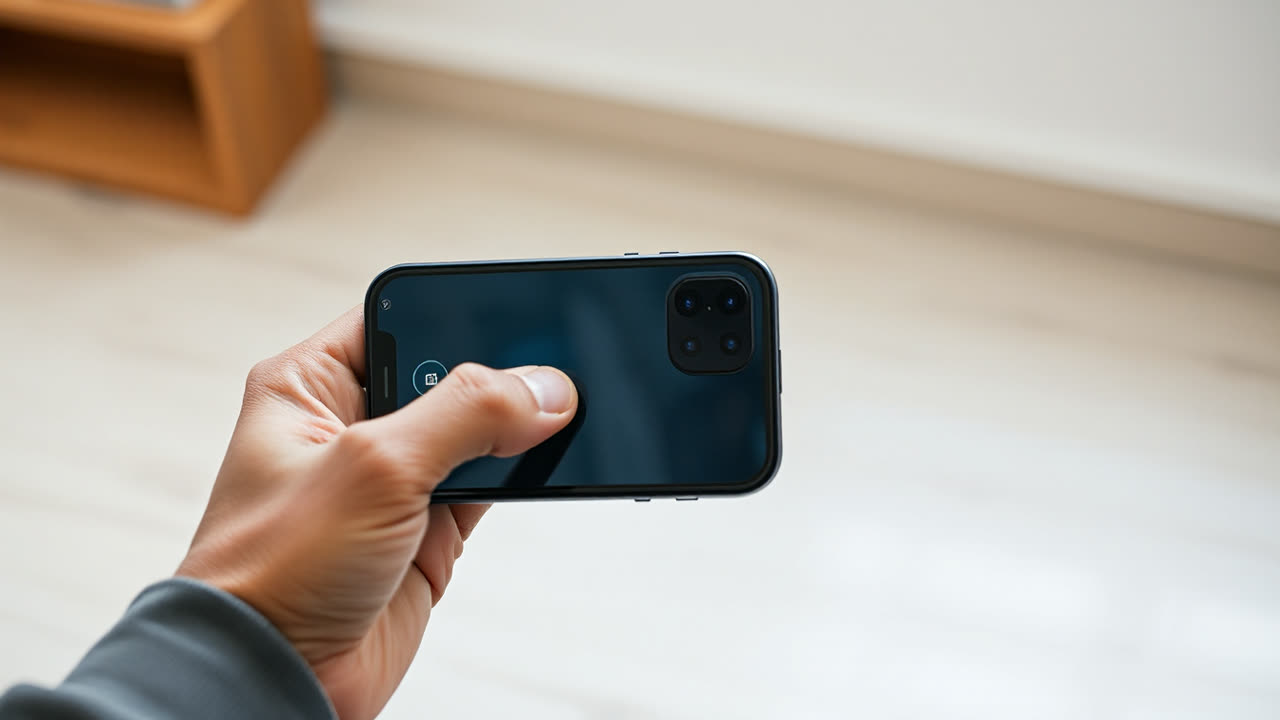
The iPhone's increasingly sophisticated camera controls, often tucked away in menus or accessible through subtle on-screen gestures, represent a pivotal shift from simple point-and-shoot convenience to a powerful, personalized photographic instrument, yet their underutilization by the average user means a vast potential for creative expression remains untapped. While many users default to automatic settings, diving into features like Exposure Compensation, Photographic Styles, ProRAW, and Cinematic Mode adjustments can fundamentally alter the artistic outcome, offering a level of control that rivals dedicated entry-level cameras. This nuanced control, extending beyond mere filter application, allows photographers to dictate the very essence of their images, from dynamic range and color temperature to depth of field, transforming a casual snapshot into an intentional capture.
The significance of these customizable controls extends far beyond individual user satisfaction; they are a critical differentiator in the fiercely competitive smartphone market and a testament to Apple's evolving strategy. For years, Apple prioritized computational photography that delivered consistently good results with minimal user input. However, as hardware capabilities plateau and AI-driven enhancements become ubiquitous across manufacturers, the ability to *tweak* and *personalize* the output becomes the next frontier for innovation. Features such as Exposure Compensation, accessible via a tap on the viewfinder and a swipe, allow real-time adjustments to brightness, preventing blown-out highlights or underexposed shadows before the shutter even fires. Similarly, Photographic Styles, introduced with the iPhone 13 series, enable users to apply preferred tone and warmth settings *before* capture, rather than as a post-processing filter, ensuring consistency across a series of photos without altering skin tones. This pre-capture customization is a game-changer, embedding artistic intent directly into the image data.
Compared to earlier iPhone generations, the current iteration of Camera Control is vastly more powerful. Historically, iPhone cameras offered limited manual adjustments, pushing users towards third-party apps for granular control over ISO, shutter speed, and white balance. However, with the advent of features like ProRAW, introduced with the iPhone 12 Pro models, and ProRes video recording, first seen on the iPhone 13 Pro, Apple has brought professional-grade capture capabilities directly into the native camera app. ProRAW combines the computational benefits of Apple's image pipeline with the flexibility of a standard RAW format, giving editors immense latitude in post-production for exposure, color, and white balance adjustments without significant quality degradation. ProRes, on the other hand, provides a high-quality, low-compression video format ideal for professional workflows, allowing for more robust color grading and visual effects application. These additions signify Apple's commitment to wooing professional content creators, not just the casual photographer.
Rivals like Samsung and Google Pixel have long offered robust "Pro" modes that expose traditional manual controls such as ISO, shutter speed, and manual focus. Samsung's Expert RAW app, for instance, provides a comprehensive suite of manual controls and multi-frame RAW capture, directly challenging Apple's ProRAW offering. Google Pixel, while leaning heavily on its computational photography prowess, also offers some manual control, particularly in its Astrophotography and long exposure modes, though perhaps less granular than Samsung or the latest iPhones for general photography. The key difference often lies in the integration and user experience: Apple tends to bake its advanced controls into the native app more seamlessly, sometimes through less obvious gestures, making them discoverable but often overlooked. This approach aims for simplicity for the casual user while providing depth for the enthusiast, a delicate balance that Apple continually refines.
The industry impact of these customizable controls is multifaceted. For users, it democratizes advanced photography, allowing them to capture images with greater artistic intent without investing in expensive dedicated camera equipment. For the industry, it pushes smartphone camera development beyond mere megapixel counts or sensor sizes, shifting focus towards software intelligence, user interface design, and the integration of professional workflows. The ability to record high-quality ProRes video or capture ProRAW photos directly on a device that fits in a pocket blurs the lines between professional and consumer-grade equipment, potentially disrupting segments of the traditional camera market. Furthermore, it fosters a richer ecosystem of editing apps and accessories that can leverage these advanced capture formats.
Looking ahead, the evolution of iPhone Camera Control will likely continue its trajectory towards deeper integration of AI and machine learning with user-directed customization. We can anticipate more intelligent "smart modes" that learn user preferences and suggest optimal settings based on scene recognition, but crucially, with override options that are more intuitive and discoverable. Imagine an "Intelligent Exposure" mode that not only analyzes the scene but also anticipates the user's desired mood (e.g., "dramatic," "vibrant") and adjusts exposure compensation, white balance, and even a subtle photographic style accordingly, all while allowing the user to fine-tune sliders. We might also see further advancements in computational RAW formats, offering even greater dynamic range and noise reduction while maintaining editing flexibility. Furthermore, as augmented reality (AR) capabilities become more sophisticated, camera controls could integrate AR overlays to visualize depth of field, lighting changes, or even compositional guides in real-time before capture. The future of iPhone camera control isn't just about more sliders; it's about smarter, more intuitive interaction with powerful underlying technology, empowering every user to become a more deliberate and creative photographer.