The Monitor's Rise as a Desktop Command Center
The seemingly modest inclusion of two or more USB ports on modern displays represents a significant, often underappreciated, architectural shift in personal computing, transforming the monitor from a passive output device into an active desktop hub.
✨ This content was summarized and interpreted by AI; it may contain errors — please verify accuracy with the original sources. Learn more
Listen to this story
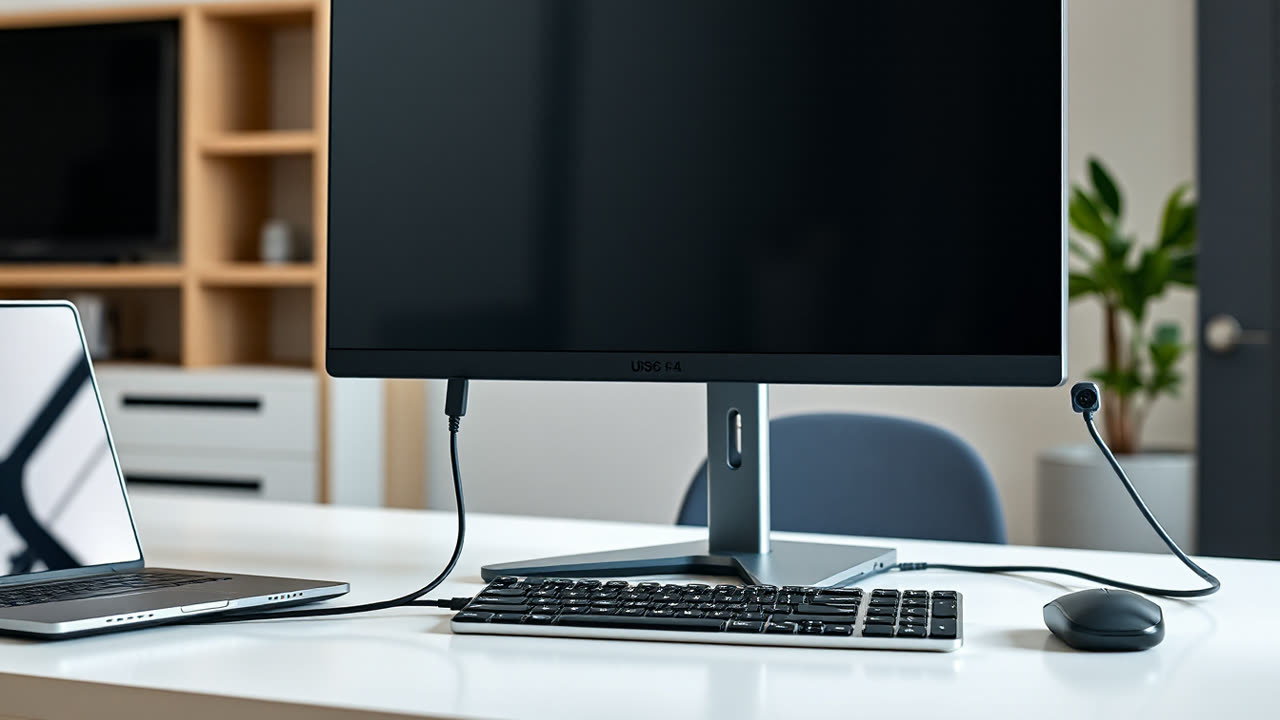
The seemingly modest inclusion of two or more USB ports on modern displays represents a significant, often underappreciated, architectural shift in personal computing, transforming the monitor from a passive output device into an active desktop hub. This integration, typically manifesting as a built-in USB hub requiring an upstream connection to the host computer, fundamentally redefines cable management and peripheral connectivity for millions of users.
The utility of these integrated ports extends far beyond mere convenience. For users grappling with limited port availability on increasingly thin laptops or compact desktops, the monitor effectively offloads numerous peripherals – keyboards, mice, webcams, external drives, and even charging cables for smartphones – from the computer itself. This not only frees up precious ports on the PC but also consolidates cable routing, leading to significantly cleaner and more organized workspaces. Instead of a tangle of wires converging on the computer, a single USB upstream cable (often alongside a display cable, or integrated into a single USB-C connection) now manages data for multiple accessories, improving ergonomics and reducing the constant fumbling behind a desk.
This evolution matters deeply for both consumers and the broader industry. For the user, the immediate benefit is accessibility. Frequently used devices like USB flash drives or external headphones can be plugged directly into the monitor's easily reachable side or front ports, eliminating the need to contort oneself to access ports on a desktop tower or constantly re-dock a laptop. In professional environments, this functionality is critical. Monitors featuring USB-C with Power Delivery (PD) capabilities, for instance, allow a single cable to transmit video, data, and up to 100W of power to a connected laptop, effectively turning the display into a full-fledged docking station. This streamlines hot-desking, simplifies IT deployments, and enhances user mobility between workstations.
Industrially, this trend elevates the monitor's strategic importance beyond its primary function as a visual interface. Manufacturers like Dell, HP, and LG are increasingly differentiating their products not just on panel quality but on their integrated connectivity features. The monitor becomes a central nervous system for the desktop, adding significant value and justifying premium price points for models offering robust USB 3.0/3.1/3.2 hubs, Ethernet pass-through, and ample power delivery. This pushes the industry towards more integrated, less fragmented desktop solutions, challenging the traditional market for standalone docking stations and external USB hubs, particularly in the mainstream and prosumer segments.
The background to this development traces back to early LCD monitors that occasionally featured a rudimentary USB 1.1 or 2.0 hub, primarily for connecting basic input devices. However, the true acceleration began with the widespread adoption of USB 3.0 (SuperSpeed) providing 5 Gbps bandwidth, making it feasible to connect higher-bandwidth devices like external SSDs or multiple HD webcams without significant performance bottlenecks. The arrival of USB-C and Thunderbolt further revolutionized this, offering vastly increased bandwidth (up to 40 Gbps for Thunderbolt 3/4 and USB4) and the ability to carry video, data, and power over a single reversible cable. This contrasts sharply with prior generations, where monitors were largely passive and required separate cables for every peripheral, often leading to a chaotic nest of wires behind the PC. While dedicated docking stations still offer the most extensive port selection and often more robust power delivery for specialized professional needs, the integrated monitor hub provides a compelling, often more cost-effective, alternative for the vast majority of users.
Looking ahead, the trajectory is clear: monitors will continue to evolve into even more sophisticated desktop command centers. Expect to see an increasing number of displays incorporating the latest USB4 and Thunderbolt 4 standards as standard, offering even greater bandwidth and multi-display capabilities over a single cable. Power Delivery will likely increase, with 100W becoming commonplace and higher wattages emerging to support power-hungry workstations. Furthermore, the integration of KVM (Keyboard, Video, Mouse) switch functionality will become more seamless, allowing users to effortlessly switch their peripherals and display between two connected computers with a single button press. Wireless charging pads built into monitor bases, advanced biometric authentication via integrated webcams, and even direct Ethernet ports are already appearing on some high-end models, further cementing the monitor's role as the central, intelligent hub of the modern workspace. This ongoing transformation promises a future where desktop setups are not just more powerful, but also remarkably simpler and more elegant.