Windows 11's Android Subsystem Fundamentally Alters Mobile-Desktop Intersections
Microsoft's Windows Subsystem for Android (WSA) allows native execution of Android applications on Windows 11, significantly boosting cross-platform utility and user productivity.
✨ This content was summarized and interpreted by AI; it may contain errors — please verify accuracy with the original sources. Learn more
Listen to this story
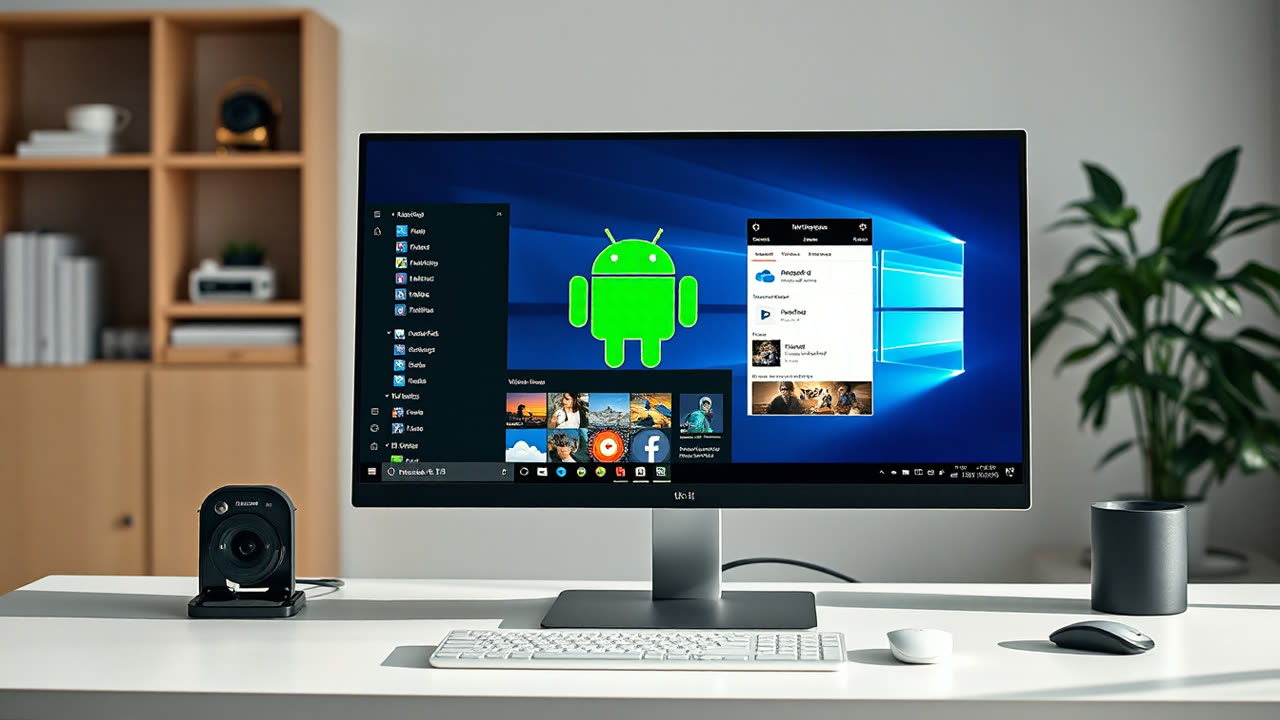
Windows 11 users gained a significant boost in cross-platform utility with the introduction of the Windows Subsystem for Android (WSA), a native integration allowing direct execution of Android applications, fundamentally altering how mobile and desktop ecosystems intersect. This capability, initially launched in preview in late 2021 and widely available since 2022, effectively transforms a Windows PC into a robust Android environment, enabling access to a vast catalog of mobile-first applications directly from the Microsoft Store or sideloaded from other sources like the Amazon Appstore. Beyond WSA, other established methods persist, including robust third-party emulators like BlueStacks and LDPlayer, which create a virtual Android device on the PC, and Microsoft's own Phone Link application, which mirrors an Android phone's screen and allows interaction with apps and notifications, albeit without native execution on the PC itself.
The ability to run Android apps natively on Windows matters profoundly for several reasons, primarily enhancing user productivity and bridging functionality gaps between device types. For consumers, it means accessing mobile-exclusive games with the superior performance of desktop hardware, utilizing larger screens for social media or messaging apps without constant phone interaction, and leveraging specialized Android utilities not available in native Windows forms. Business users can streamline workflows by running industry-specific Android applications directly on their workstations, eliminating the need to switch devices or rely on less efficient web-based alternatives. This integration significantly improves the "continuity" experience, allowing users to maintain a consistent digital workspace regardless of the application's original platform. Furthermore, the presence of a full-fledged Android environment can be invaluable for developers, providing a powerful testing ground for their mobile applications on a desktop form factor, complete with debugging tools and performance monitoring capabilities.
Historically, running Android apps on Windows was largely confined to cumbersome third-party emulators, which often demanded significant system resources, lacked deep integration with the Windows environment, and frequently presented compatibility issues. These emulators, while functional, essentially created a separate, isolated Android operating system within Windows, leading to a disjointed user experience. WSA, in contrast, integrates deeply with Windows 11, allowing Android apps to appear as native Windows applications, complete with Start menu shortcuts, taskbar integration, and seamless window management. This contrasts sharply with Apple's ecosystem, where iOS apps can run natively on M-series Macs, leveraging shared architecture, but without a dedicated "subsystem" for a separate OS. ChromeOS, of course, natively supports Android apps due to its Linux foundation and Google's direct integration efforts, offering a more seamless experience than even WSA. Microsoft's approach with WSA represents a strategic pivot, acknowledging the enduring relevance of Android's app ecosystem and seeking to incorporate its strengths rather than compete directly with it.
Looking ahead, the evolution of Android app integration on Windows is poised for further refinement and expansion. Microsoft is expected to continue enhancing WSA's performance, stability, and compatibility, potentially broadening its reach to more Android devices and app stores beyond Amazon. The ongoing development of Android itself, particularly with projects like Android 14 and beyond, will likely bring further optimizations for larger screens and desktop-like environments, benefiting WSA directly. We may also see increased collaboration between Microsoft and Google, perhaps leading to official support for the Google Play Store within WSA, which would unlock the entire Android app catalog and significantly boost its utility. The success of WSA could also influence future hardware designs, with PCs potentially optimizing for better touch input or ARM-based architectures to further enhance Android app performance and battery life. This convergence points towards a future where the distinction between mobile and desktop applications blurs even further, offering users unparalleled flexibility and choice in how and where they access their digital tools.