Windows PCs Grapple with Digital Clutter: Evolving Tools and Future AI Promise Smarter Storage Management
Integrated and third-party tools, from Storage Sense to AI-driven solutions, are increasingly vital in helping Windows users demystify and manage ever-growing digital footprints, impacting performance and driving hardware innovation.
✨ This content was summarized and interpreted by AI; it may contain errors — please verify accuracy with the original sources. Learn more
Listen to this story
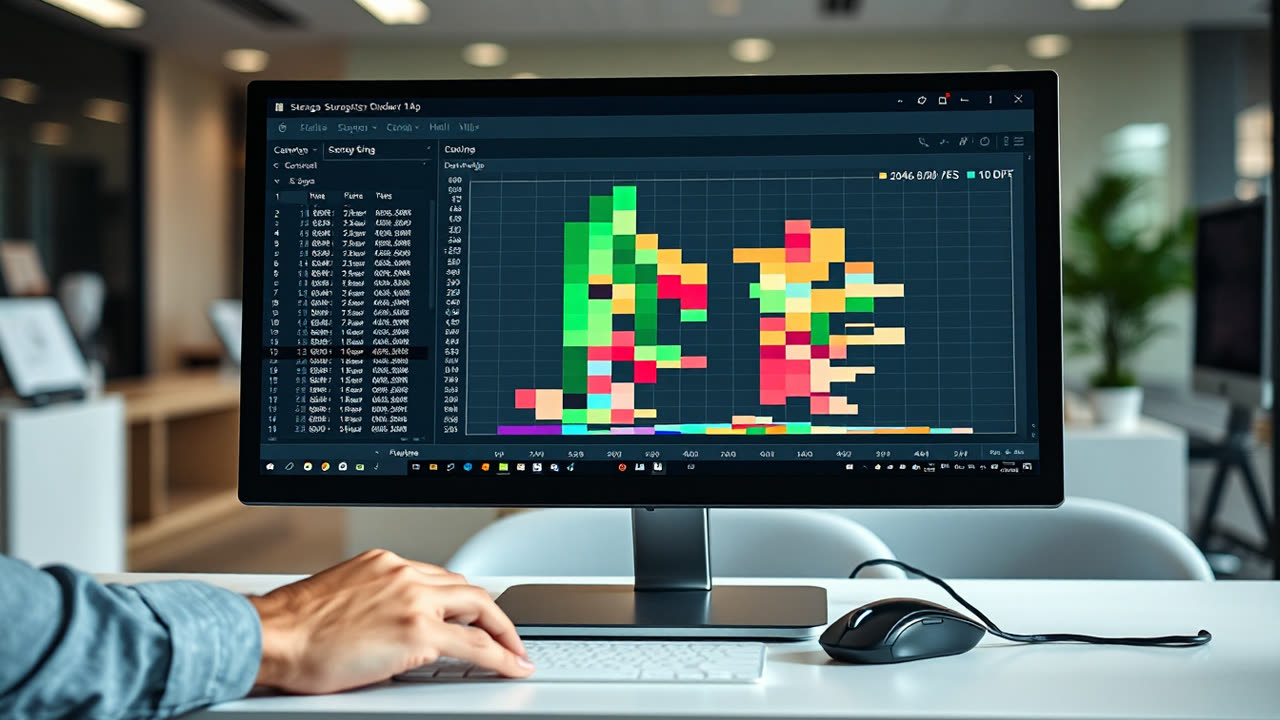
The persistent challenge of managing digital clutter on Windows PCs, a problem exacerbated by ever-growing application footprints and ballooning media files, is increasingly addressed by a suite of integrated and third-party tools designed to demystify disk usage. Modern Windows versions, particularly Windows 10 and 11, have evolved beyond rudimentary Disk Cleanup to offer more sophisticated, automated solutions like Storage Sense, yet users still frequently grapple with dwindling drive space and the performance bottlenecks it engenders.
The core issue for many users is identifying the true culprits behind a full drive. While common sense points to large media files, system files, temporary data, and remnants of old installations often consume significant, hidden portions of storage. Windows' built-in Storage Sense, accessible through System settings, provides a granular breakdown of disk usage by category—apps and features, temporary files, documents, pictures, and more—offering a visual map of storage allocation. This tool can automatically delete temporary files, clear the Recycle Bin, and even manage local copies of cloud-synced content, like OneDrive files set to "Files On-Demand". For more aggressive cleanup, users can manually trigger actions or configure Storage Sense to run on a schedule, for instance, archiving or deleting files untouched for over 30 days. Beyond Storage Sense, the legacy Disk Cleanup utility remains available, targeting system logs, Windows Update remnants, and previous Windows installations, which can sometimes free up tens of gigabytes. Third-party tools like WinDirStat or TreeSize offer even more detailed, visual representations of file sizes and hierarchies, allowing users to quickly pinpoint large, unnecessary folders or files with a treemap interface.
This methodical approach to storage management matters profoundly for both the user experience and the broader tech industry. For users, a crowded hard drive directly correlates with degraded system performance. Low disk space can lead to slower boot times, sluggish application launches, frequent system crashes, and failed software updates, as the operating system struggles to find space for temporary files and virtual memory. This performance hit often prompts unnecessary hardware upgrades or premature PC replacements, costing consumers money and contributing to e-waste. Psychologically, a full drive creates anxiety, forcing users into difficult decisions about what to delete. From an industry perspective, the continuous demand for more storage capacity drives innovation in solid-state drive (SSD) technology, pushing manufacturers to develop higher-density, more affordable NAND flash, such as QLC (Quad-Level Cell) SSDs, which offer greater storage per cell at a lower cost per gigabyte. Software developers are also under pressure to optimize application sizes and resource usage, especially with the rise of increasingly feature-rich applications and games that can easily exceed 100GB installations. Cloud storage providers, too, benefit from this dilemma, as users increasingly offload data to services like OneDrive, Google Drive, and Dropbox, contributing to a booming cloud storage market projected to reach hundreds of billions of dollars.
Comparing current Windows storage management to prior generations reveals a significant evolution. Early Windows versions relied heavily on manual intervention and basic tools like Disk Cleanup, which offered limited automation and insight. Users often resorted to tedious manual file deletion or third-party defragmentation utilities (less relevant for modern SSDs). In contrast, macOS has long featured an intuitive "Optimize Storage" option that identifies large files, moves them to iCloud, and automatically empties trash, providing a more integrated and proactive approach. Linux distributions, while offering powerful command-line tools like `du` and `df`, often require a higher technical understanding, though graphical tools like Baobab (Disk Usage Analyzer) provide visual insights similar to WinDirStat. Windows 10 and 11's Storage Sense represents Microsoft's earnest attempt to catch up, integrating automation and user-friendly visualizations directly into the OS, making it more competitive with rivals. This shift from reactive cleanup to proactive management is a crucial improvement.
Looking ahead, the trajectory of storage management points towards even greater automation and intelligent integration. We can expect future Windows iterations to leverage AI and machine learning to predict user storage needs, automatically archive less-used files to the cloud, and proactively identify redundant data without explicit user input. Enhanced cloud integration will likely become seamless, with the OS intelligently streaming files on demand rather than storing large local copies, further blurring the lines between local and cloud storage. The adoption of new storage technologies, such as computational storage drives that offload processing tasks from the CPU, could also lead to more efficient data handling and potentially reduce the footprint of system processes. Furthermore, as augmented reality and virtual reality applications become more prevalent, the demand for incredibly fast and vast local storage will only intensify, pushing the boundaries of SSD technology and requiring even more sophisticated, perhaps even predictive, storage optimization within operating systems. The ongoing battle for disk space will remain a critical frontier, driving both OS development and hardware innovation for years to come.